✒
Pen and curvature
Draw precise paths, or let the curvature tool round them as you click. Anchors, handles and live shapes stay editable afterwards.

A professional vector editor that runs entirely in your browser. No install, no account, no server: pen and shape tools, boards, gradients, patterns, type and pixel layers, with the document model and the geometry compiled to WebAssembly. Your artwork never leaves your device.
Free, and free of accounts. Install it and it works offline.
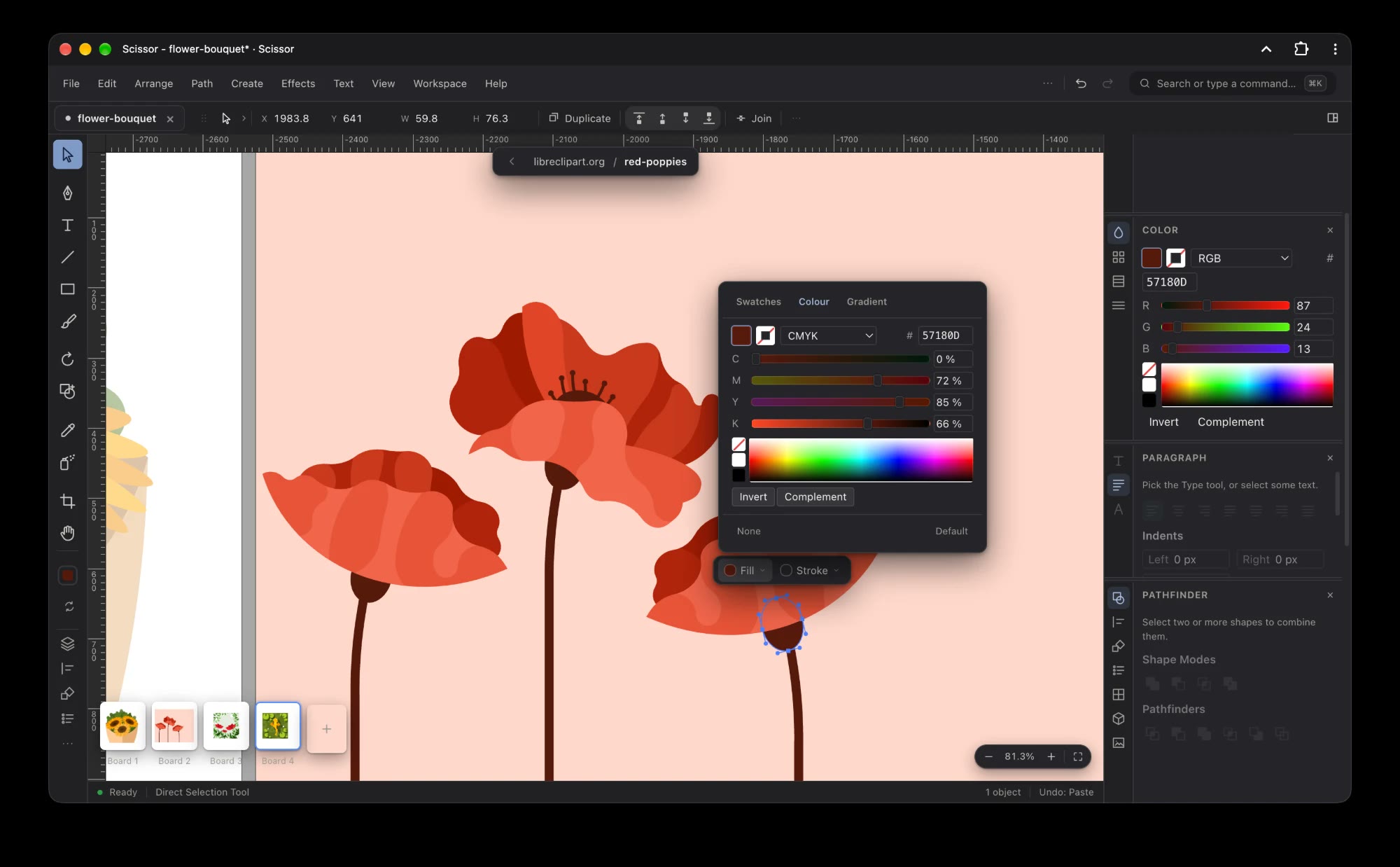
Paths stay editable: anchors and handles, live shapes with their widgets, compound paths and clipping masks. The shape builder merges what you drew by dragging across it, and the Pathfinder keeps the usual boolean modes a click away.
On the canvas
| Pen family | pen, add and remove anchor, corner |
| Curvature | curves shaped as you click |
| Shapes | rectangles, ellipses, polygons, stars, lines, arcs, spirals, grids |
| Brushes | paintbrush, blob brush, pencil and the path menders |
| Reshaping | width, warp, twirl, pucker, bloat, wrinkle |
| Building | shape builder, live paint, mesh, blend |
Around it
| Boards | named artboards with a thumbnail strip, bleed, and a pasteboard for offcuts |
| Grids | a grid per board: square, isometric, and one, two or three point perspective |
| Panels | vertical tabs, dockable panels and a right sidebar that resizes and hides itself |
| History | step back through what you did, or use smart guides and snapping to stay on grid |
| Command palette | ⌘K, then type the name of whatever you want to run |
| Views | outline, pixel preview, rotate the view, saved views |
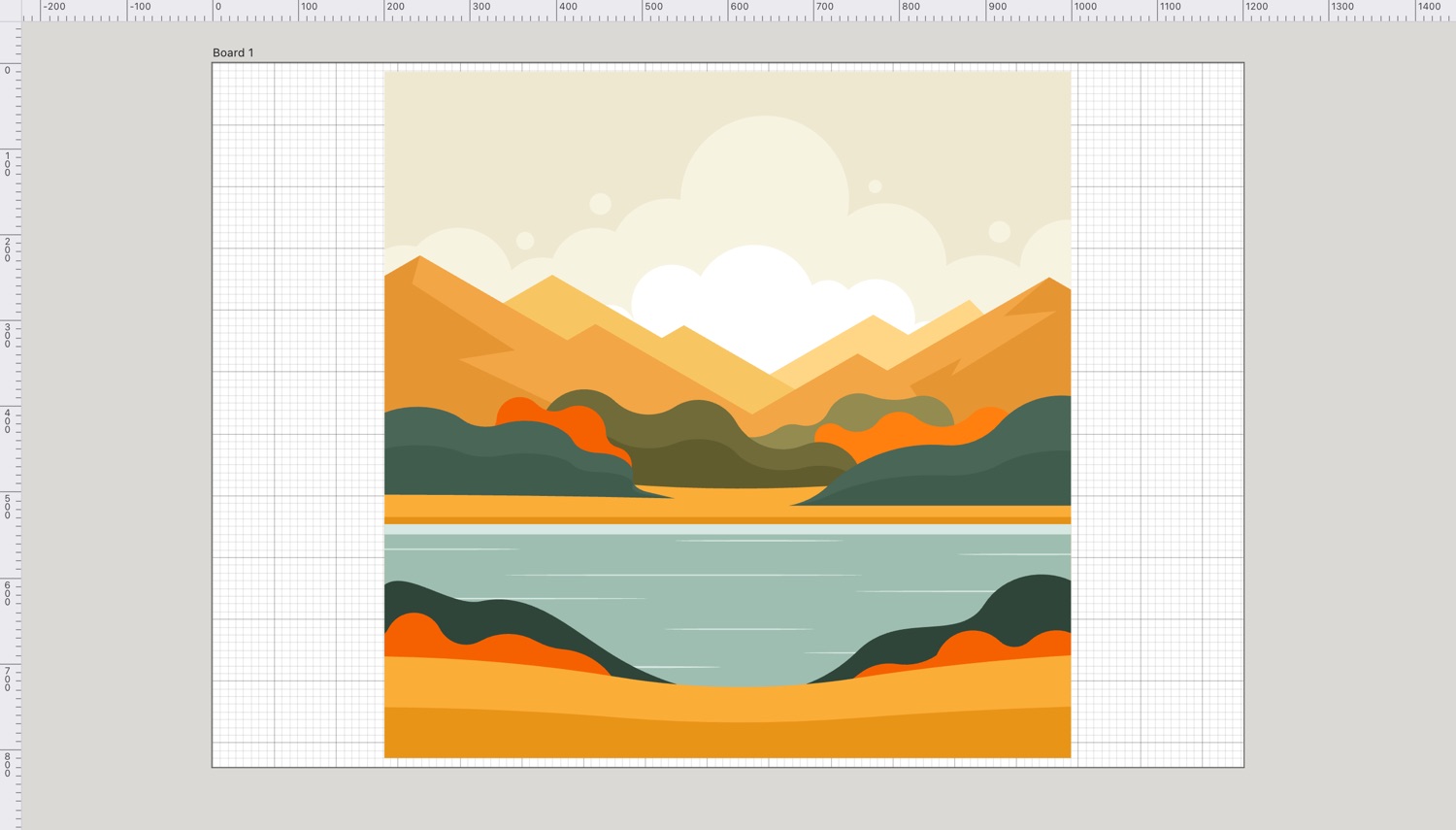
Draw precise paths, or let the curvature tool round them as you click. Anchors, handles and live shapes stay editable afterwards.
Unite, subtract, intersect and exclude from the Pathfinder, or drag across overlapping shapes with the shape builder.
Several boards in one document, each named, with a pasteboard around them for sketches and colour tests that stay out of the export.
Fill and stroke, swatches, RGB and CMYK, gradients and patterns, and Recolour Artwork for changing a whole piece at once.
Point type, area type and type on a path, with Character and Paragraph panels, threading, text wrap and outlines.
Arabic and Hebrew flow right to left on their own. Arabic letters take their joined forms, and Latin words inside a line keep their own order.
Drop shadow, glows, feather, blur, scribble and round corners, warps from arc to fisheye, and 3D extrude, revolve and inflate, each previewed as you change it.
Rotate, reflect, scale, shear, free transform and puppet warp, by hand or by typing the numbers into the Transform panel.
Radial, grid and mirror repeats, blends along a spine, and envelope distort with a warp, a mesh or your own top object.
Paint and erase on a pixel layer beside the vectors. Pick the brush and Scissor makes the layer for you.
Turn a placed picture into curve-accurate paths, expand it, and edit the result like anything else you drew. The eyedropper samples placed photos too.
Press ⌘K and type: every command, by name, without hunting through menus. Single-key tool shortcuts throughout.
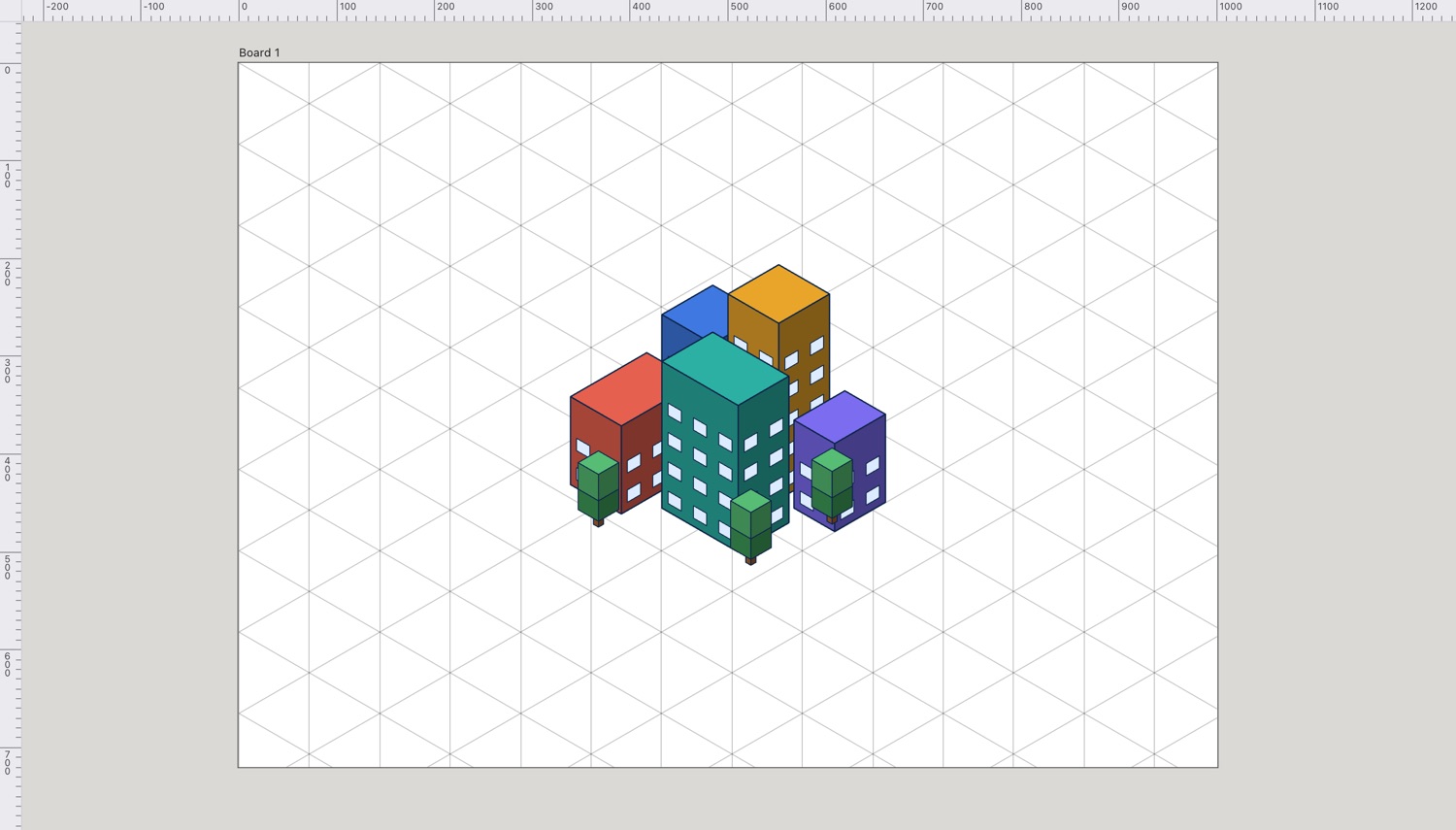
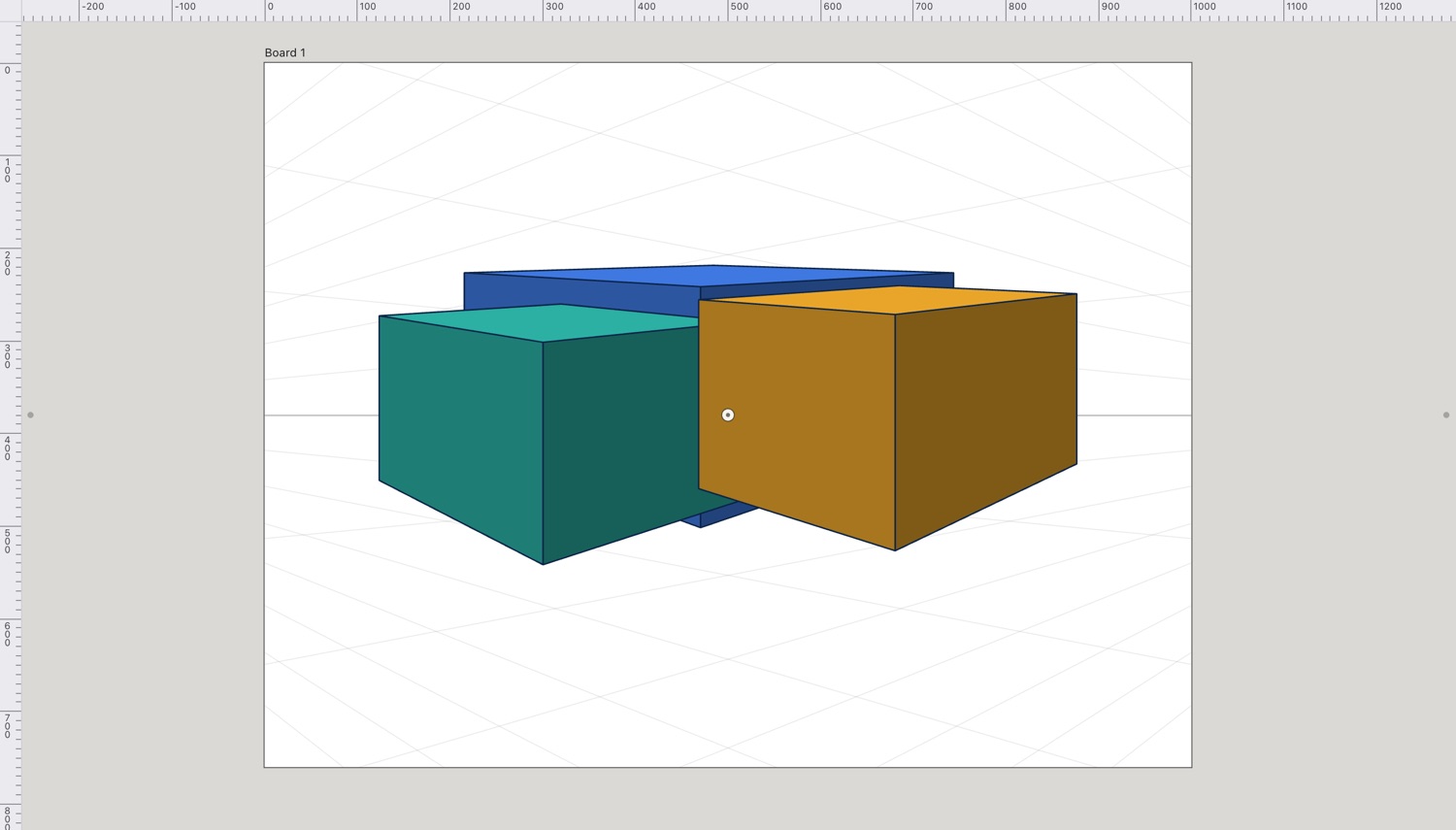
Each board carries its own grid: square, isometric, or one, two and three point perspective. Snapping follows it, so boxes and buildings line up without a single guide dragged by hand.
Documents are saved as .cut, a versioned JSON file holding the whole node tree. Open other formats from File › Open, or drag them onto the canvas.
Opens
.cut | its own documents |
.svg | shapes, groups, transforms, gradients, clips, text and images, with layer names and locks kept |
.pdf | opens, one board per page |
.ai | opens, read as PDF — never written |
.eps | opens |
.psd | opens |
Writes
.cut | Save, Save As and Save a Copy |
.svg | a board, or just the selection |
.pdf | one page per board, vectors and text intact |
.png | 1×, 2× or transparent |
.jpg .webp | for the web, at any scale you list |
| the active board, fitted to the page |
Export for Screens does several at once: tick the boards and slices, tick the formats, and type the scales as a list such as 1×, 2×, 3×. The Asset Export panel does the same for pieces of artwork rather than whole boards.
Open and Save use the browser's own file picker, so you choose the folder and Scissor writes back to the file you picked. There is no account, no project server and no upload step. Where a browser lacks the picker, saving arrives as an ordinary download.
Analytics are opt-in: a bar asks on the first visit, declining loads nothing at all, and ignoring the question counts as declining. You can change the answer later under Help › Privacy Settings.
Install it from Help › Install Scissor and it opens in its own window, works offline and can be the program that opens .cut files.
Good to know
| Engine | the document model and geometry are compiled to WebAssembly |
| Recovery | work in progress is kept locally, so a crash or a closed tab is not the end of it |
| Offline | the whole app is cached on first visit |
| Manual | every tool, menu and shortcut, written out |
It starts with an empty board, so there is something to draw on straight away. Nothing to install first, and nothing to sign up for.